Material maps
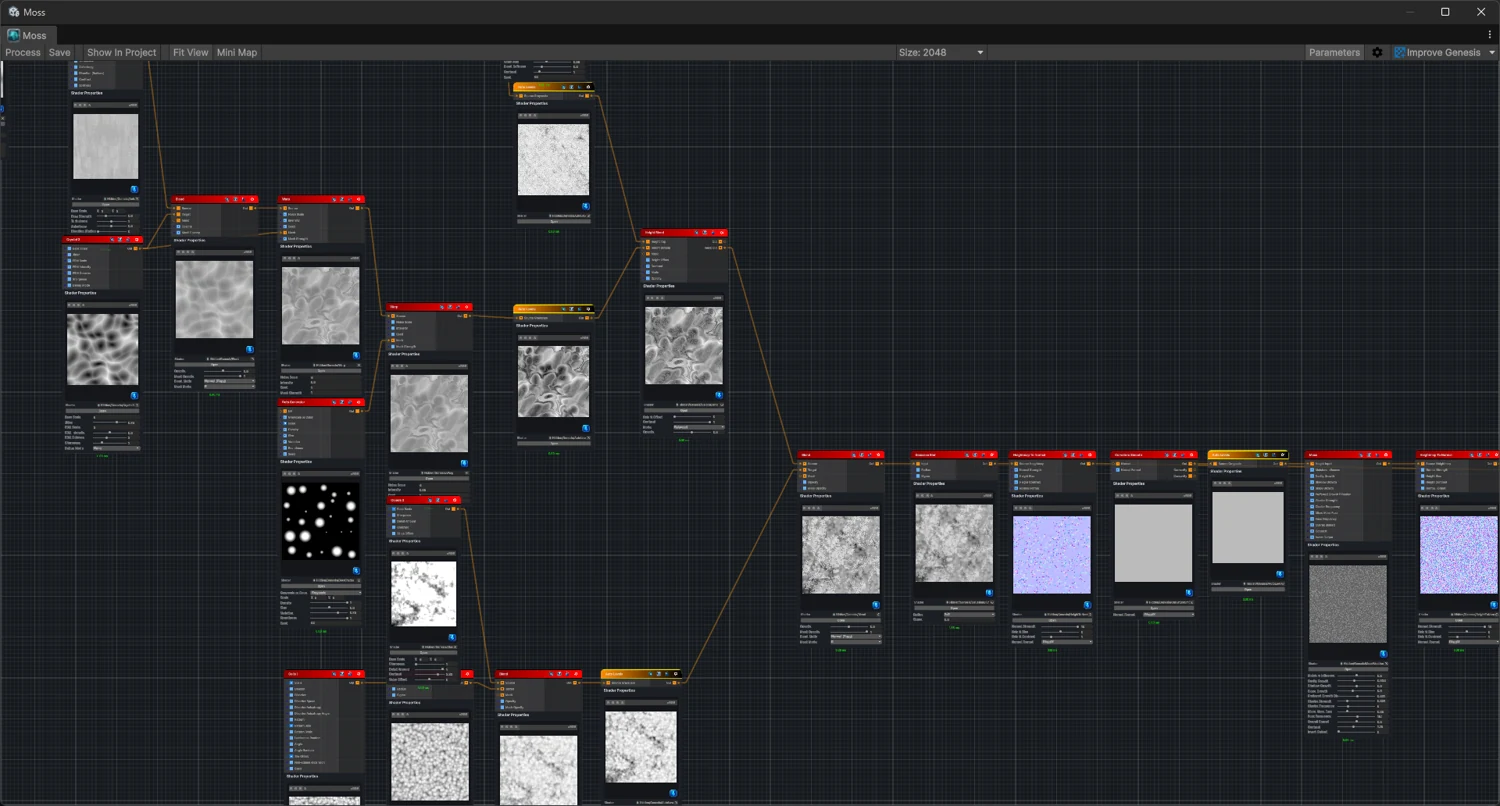
Build separate branches for base color, height, normals, and roughness. Name each output so it is easy to identify in larger graphs.
Genesis Noise for Unreal Engine
Create procedural textures and material maps in an editable graph. Start from a generator or an included sample, inspect intermediate results, and keep your output branches organized.
Build separate branches for base color, height, normals, and roughness. Name each output so it is easy to identify in larger graphs.
Combine generators with masks, gradients, and transforms. The sample library covers brick relief, stratified stone, directional wood grain, and weighted cells.
Inspect a volume slice in the editor, then use Bake Volume to save the evaluated field as an Unreal asset.
Sample workflow
Open a graph in the Sample Browser to see how it is built. Choose Create Editable Copy when you are ready to save a version into your project and experiment.
Browse sample graphs