
Unreal Engine
Open a sample, evaluate a graph, and create Unreal assets.
Unreal Engine guideProcedural texture authoring
Build textures and surface maps in a node graph. Layer noise, shape the details, and refine your material as the graph evolves.
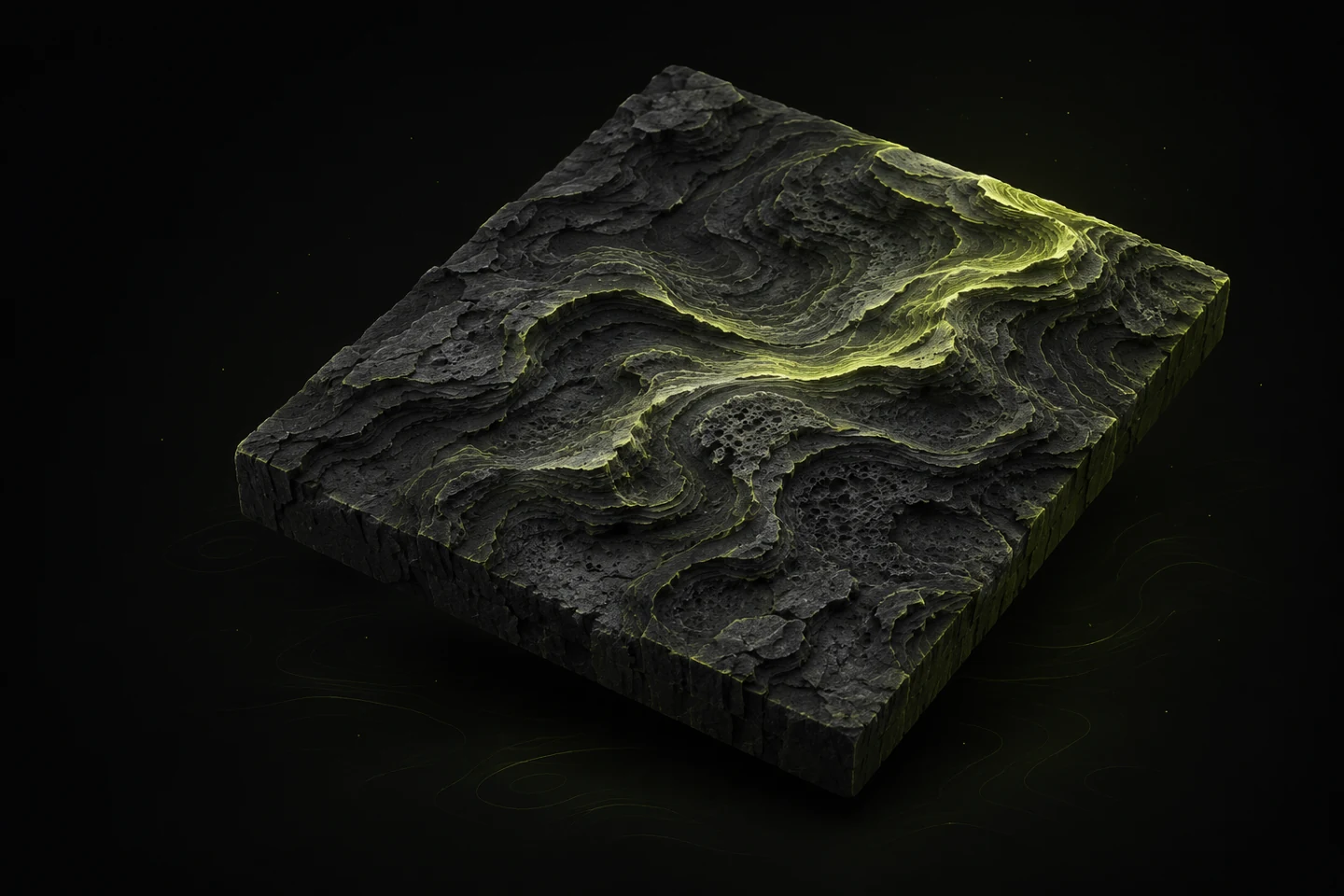
Open a sample, evaluate a graph, and create Unreal assets.
Unreal Engine guideBuild a Noise Graph and find the Unity node reference and API guide.
Unity guideSearch 1,723 Unreal nodes by name, alias, or description.
Search the Node ReferenceThe editor
See how generators, effects, and outputs connect in the original Unity editor. Explore the sample library for the Unreal workflow.
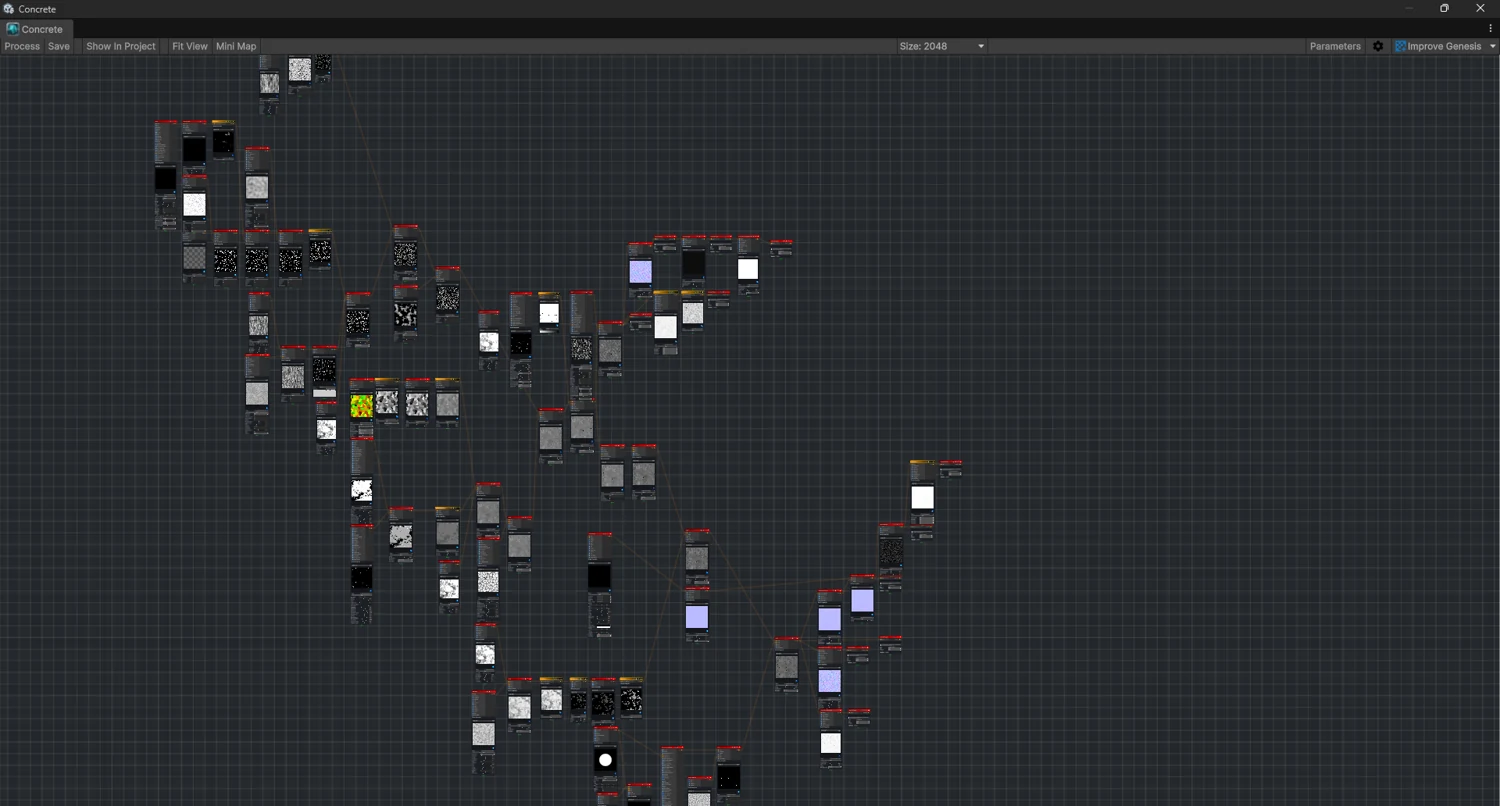
Connect generators and effects to give each layer of your texture a purpose.
Adjust node parameters and use their previews to see where each change takes effect.
Use the same graph to create related outputs, including normals for the finished surface.
Sample library
Studio illustrations inspired by two included graphs, shown with their original Genesis Noise texture previews.
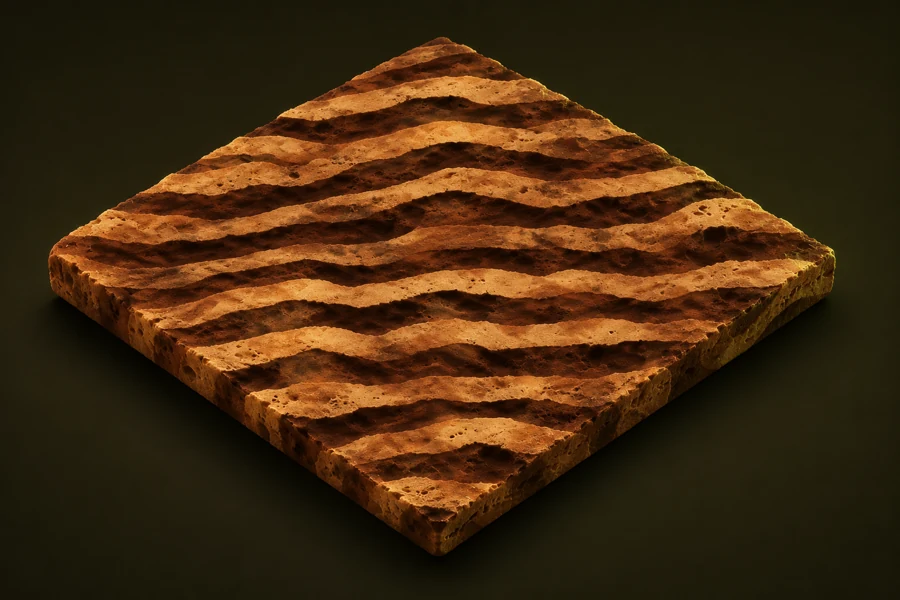
Distorted strata, mineral variation, and fine grain.
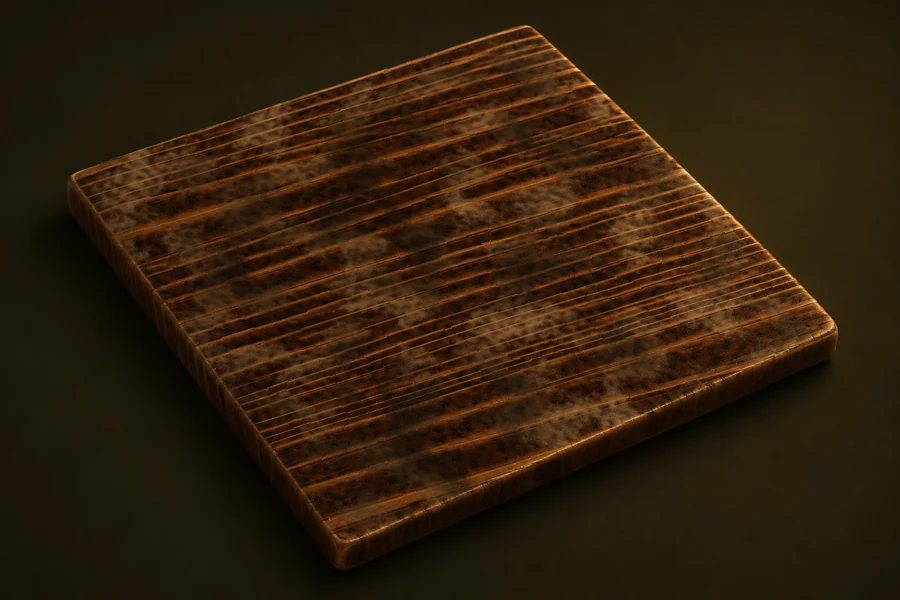
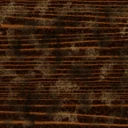
Directional grain, fine pores, and worn finish variation.
Ask a question, report an issue, or follow an existing ticket.